Designing High-Converting Pin Graphics: Templates, Typography & Layout Rules
Learn the exact visual formulas, color rules, and headline structures that make pinners stop scrolling and click.
 PintDownload Team
 Guide 11 min read 253 words
In this article
Your pin design is your headline, packaging, and billboard rolled into one visual frame. Even if your blog post or product is world-class, a dull, cluttered, or poorly formatted pin graphic will yield zero clicks.
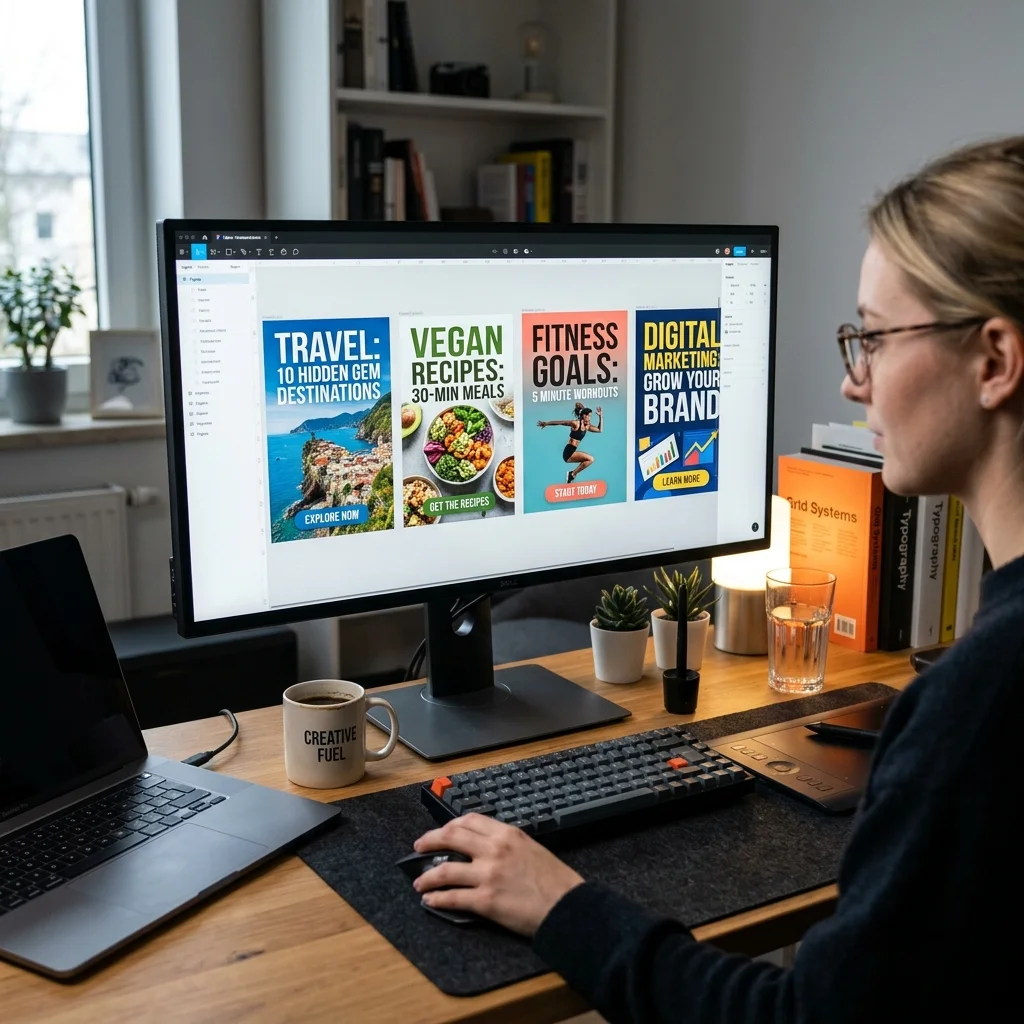
In this design guide, we analyze the visual principles behind high click-through rate (CTR) pins and how to create scalable templates in Canva, Figma, or Photoshop.
The Non-Negotiable 2:3 Aspect Ratio
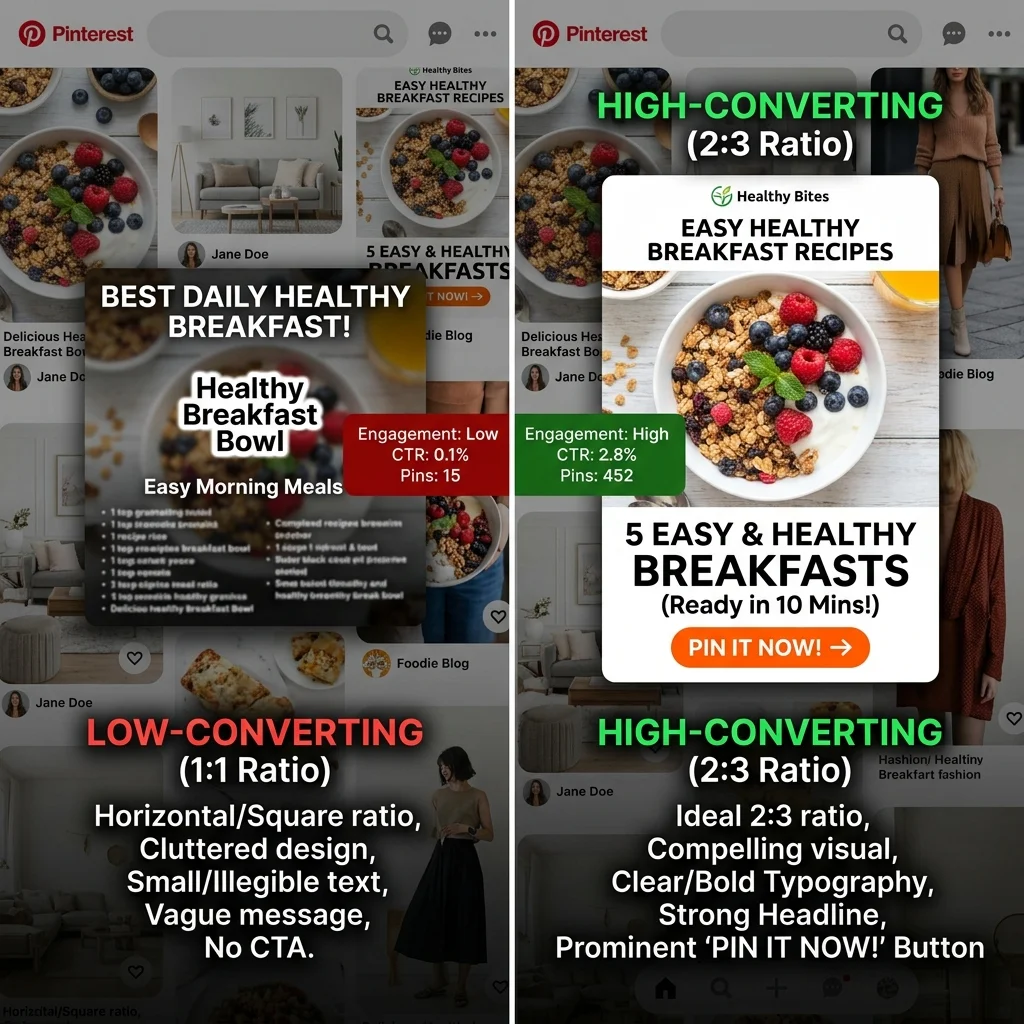
Pinterest is built for vertical feed scrolling. Standard image dimensions for high-converting pins are 1000 x 1500 pixels (2:3 aspect ratio).
Square (1:1) or horizontal (16:9) images take up significantly less screen real estate on mobile devices and receive up to 60% fewer impressions in Pinterest search feeds.
Typography Rules for Mobile Readability
Over 85% of Pinterest traffic occurs on mobile devices. If your headline text cannot be read easily on a 6-inch phone screen, pinners will keep scrolling:
- High Contrast Color Banners: Place text inside solid or semi-transparent color block containers to separate typography from busy background photos.
- Pair Sans-Serif with Serif Fonts: Combine clean bold sans-serif headers (e.g., Montserrat, Inter) with elegant serif accents for secondary text.
- Avoid Overly Scripty Cursive Fonts: Fancy calligraphy fonts look decorative but are notoriously difficult to read at fast scroll speeds.
Call-to-Action (CTA) Banners
Adding a clear visual call-to-action button or text badge at the bottom of your pin increases outbound click rates dramatically:
- "Read Full Recipe →"
- "Download Free PDF Template"
- "Shop The Look"
More in Guide
Keep reading
-
 Guide 8 min readHow to Download a Pinterest Profile Picture (HD PFP / DP)PintDownload Team
 - Guide 9 min readBest Pinterest Downloader in 2026: Reddit Community Recommendations & TestsPintDownload Team
- Guide 11 min readPinterest Video Quality: 720p, 1080p and the Truth About 4KPintDownload Team
-
 Guide 10 min readHow to Download Pinterest Idea Pins & Story Pins with All Video Pages (2026)PintDownload Team