Troubleshooting Pinterest Downloads: Fixes That Actually Work
A field checklist for failed Pinterest downloads: link type, private pins, shortlinks, networks, GIF-vs-video confusion, carousels, and retries that work.
 PintDownload Team
 Troubleshooting 6 min read 907 words
In this article
- Before you debug: gather three facts
- 1. Confirm URL type (fixes ~half of failures)
- 2. Public only — private and secret never work
- 3. Refresh and expand shortlinks
- 4. Network, VPN, and extension interference
- 5. “Video” that is actually a photo or GIF
- 6. Carousels returning only one image
- 7. Quality looks soft after a “successful” download
- 8. Board or profile ZIP incomplete
- 9. Browser download quirks (especially iOS)
- 10. Retry strategy that wastes less time
- Prevention checklist for next time
- Frequently asked questions
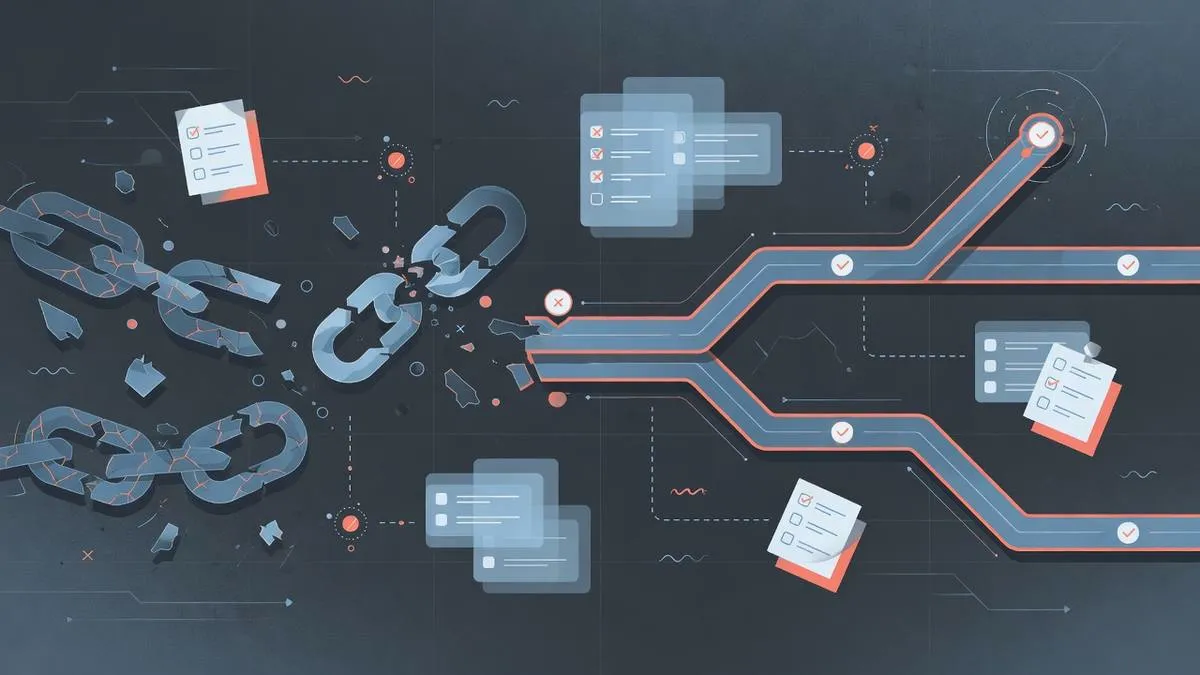
When PintDownload cannot extract a pin, the cause is almost always the link, the visibility of the content, the media type, or the network path — not a mysterious curse on your account. This article is a practical runbook. Work it top to bottom; most people fix the issue in the first three checks.
We wrote this from the same failure patterns users hit daily: board URLs pasted into pin forms, secret boards, expired shortlinks, corporate firewalls, and “videos” that were GIFs all along. Keep this page open while you retry.
Before you debug: gather three facts
- Exact URL you pasted (copy it into a notes app).
- Whether you can open the pin logged out in a private window.
- What you expected (one MP4, all carousel slides, whole board ZIP).
Those three facts tell you which tool to use and whether the pin is even in scope for public downloaders.
1. Confirm URL type (fixes ~half of failures)
Pinterest uses different path shapes for pins, boards, and profiles. Matching the tool matters:
- Pin / video / image / GIF → Pinterest Video Downloader or Pinterest Pin Downloader
- Board → Pinterest Board Downloader
- Profile → Pinterest Profile Downloader
If you paste pinterest.com/username/my-board/ into a video form, extraction will fail or behave oddly. Deep dive: URL types explained and copying the correct pin link.
2. Public only — private and secret never work
Secret boards, private profiles, deleted pins, and content that requires login cannot be fetched by any honest public tool. Test in an Incognito window while logged out. If Pinterest asks you to sign in to view the media, stop troubleshooting the downloader and switch to a public pin.
This is intentional product design, not a temporary outage. See also private browsing realities.
3. Refresh and expand shortlinks
pin.it links usually resolve, but app-only redirects, expired tokens, or intermediate tracking URLs can break. Open the shortlink in a full browser, wait for the pin page, then copy the address bar when it shows /pin/ID/. Retry on the Pinterest Pin Downloader.
4. Network, VPN, and extension interference
Corporate firewalls, school networks, aggressive ad blockers, privacy extensions, and some VPN exit nodes block or throttle CDN media hosts. Try:
- Another network (phone hotspot is a great A/B test)
- Temporarily disabling blockers on PintDownload only
- A different browser profile without heavy extensions
- Retrying without VPN, or with a different VPN region
If single small images work but large videos stall, read what normal download times look like.
5. “Video” that is actually a photo or GIF
Looping pins in the feed are not always progressive MP4s. Animated GIFs, static Idea Pin pages, and carousel covers can all feel like video until you save them. If the file opens as a still or a GIF:
- Try Pinterest GIF Downloader or Pinterest Image Downloader
- Confirm a real scrubber/timeline on the pin
- Read why your video downloaded as a photo
- Review MP4 vs GIF vs JPG/PNG
6. Carousels returning only one image
Many tools only expose the cover slide. The Pinterest Pin Downloader is built to surface multi-slide carousel data when Pinterest provides it. Board ZIPs typically pack cover media per pin; open individual pins for full carousels. Guide: download every carousel slide.
7. Quality looks soft after a “successful” download
Success means you received a valid file — not that the file is 4K. Quality is capped by the source upload and Pinterest’s delivery ladders. Choose the highest listed stream, avoid needless re-encoding, and set expectations with the quality guide and aspect ratio notes.
8. Board or profile ZIP incomplete
Bulk tools list public pins visible in the response up to practical limits. Very large boards are not infinite archives. Secret sections are skipped. Re-run later if the board grew, and prefer themed boards over giant catch-all profiles when you need completeness. Guides: board ZIP · profile ZIP.
9. Browser download quirks (especially iOS)
Some mobile browsers open previews instead of saving, or require a long-press / share-sheet step. On iPhone, save to Files or Photos explicitly. On Android, check both Downloads and the notification shade. Full mobile walkthrough: Android & iOS guide.
10. Retry strategy that wastes less time
- Fix URL type and visibility first.
- Retry once with expanded
/pin/URL. - Switch network once.
- Switch tool (video ↔ pin ↔ image/GIF) once based on media type.
- Only then try another device.
Randomly mashing extract without changing inputs rarely helps.
Prevention checklist for next time
- Copy links from the pin page, not a random feed share sheet when possible.
- Prefer full pin URLs in notes and project docs.
- Verify public access before building a large offline pack.
- Name and file downloads the same day.
Pre-flight for beginners: things to know before downloading.
Try it on PintDownload
Paste a public Pinterest link and download free — no account required.
Retry on Pin Downloader · Board ZIP · Profile ZIP · More guides
Frequently asked questions
Why does extract succeed but download fail?
Usually network/CDN blocking or a browser download permission issue. Try another network and save via the share sheet on iOS.
Can you fix private pins?
No. Private and secret content is out of scope for public downloaders.
Do shortlinks work?
Often yes. If not, expand them to full /pin/ URLs and retry.
Related tools: Pinterest Pin Downloader · Pinterest Video Downloader · Pinterest Board Downloader · Pinterest Profile Downloader
More in Troubleshooting
Keep reading
- Troubleshooting 6 min readThe Pinterest Mystery: Why Your Video Downloaded as a PhotoPintDownload Team
-
 Guide 8 min readHow to Download a Pinterest Profile Picture (HD PFP / DP)PintDownload Team
 - Guide 9 min readBest Pinterest Downloader in 2026: Reddit Community Recommendations & TestsPintDownload Team
- Boards & Profiles 8 min readHow to Download an Entire Pinterest Board as ZIP in 2026 (Free & Fast)PintDownload Team