Crafting Million-Dollar Client Pitch Decks: The Offline Pinterest Mood Board Masterclass
Never let spotty boardroom Wi-Fi or broken links ruin a $50k client presentation. Learn how creative directors curate and present Pinterest references offline.
 PintDownload Team
 Boards & Profiles 13 min read 469 words
In this article
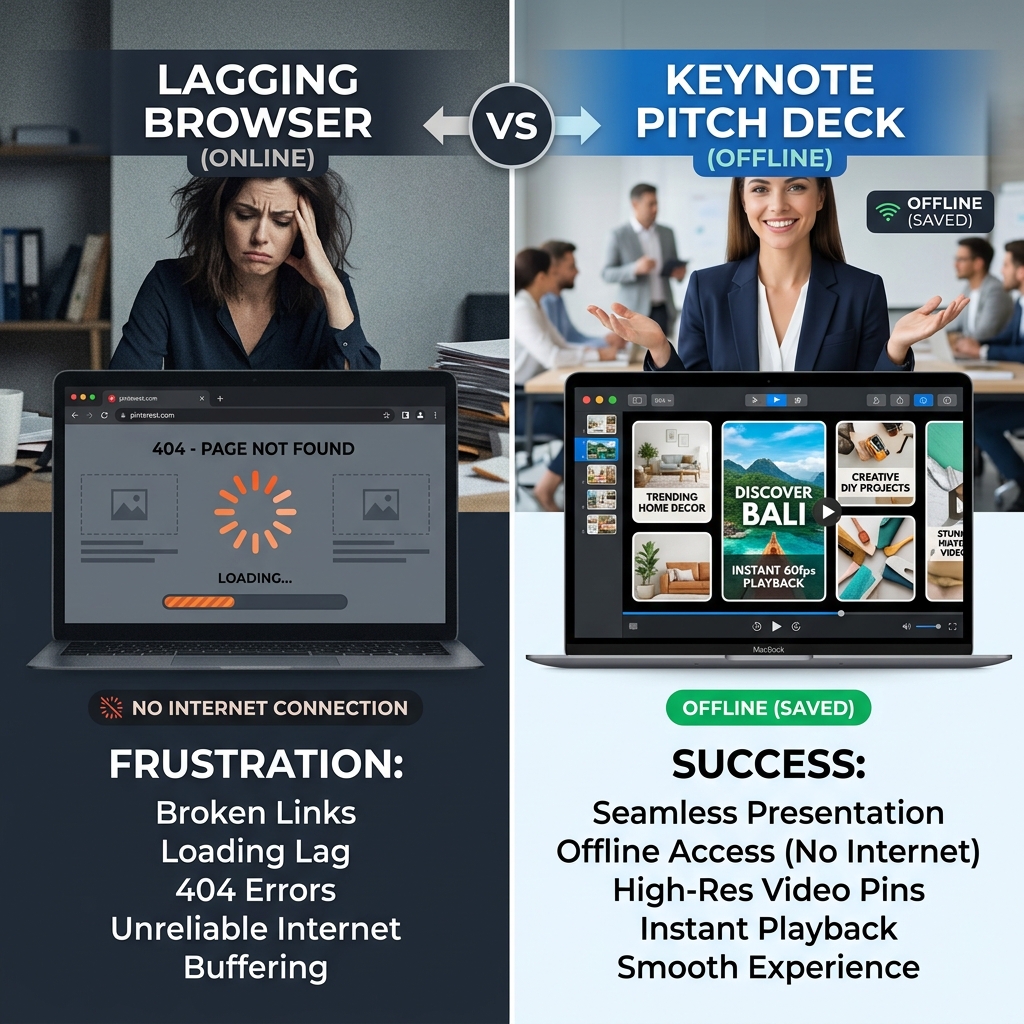
Picture this scenario: You are presenting a $75,000 brand repositioning pitch to an executive board in a high-rise conference room. You open your laptop, click on your carefully curated Pinterest vision board, and... the building Wi-Fi stalls. Images load as blurry pixelated blocks. A key aesthetic video pin displays a spinning loading wheel, and two critical texture pins return a 404 error.
The momentum vanishes. Executive confidence dissolves. The pitch is compromised.
Top creative directors, luxury interior architects, and fashion stylists never present live web boards to clients. Instead, they leverage Pinterest for fast initial research, then use PintDownload's Image Downloader and Board ZIP Downloader to save the best files Pinterest publishes into smooth offline Keynote, Figma, or iPad presentations.
Why Live Web Boards Fail in High-Stakes Presentations
While Pinterest is an incredible discovery engine, relying on live web feeds during client meetings introduces three unacceptable failure vectors:
- Network Latency & Compression: Web browsers compress images dynamically based on connection speed, turning vibrant interior photography into dull, pixelated thumbnails.
- Deleted & Moved Pins: Pin owners frequently delete source pins or change landing page URLs, leaving your board peppered with dead grey boxes.
- Disruptive UI Distractions: Related pin overlays, floating search bars, and ad banners pull client focus away from your curated vision.
Step 1: Save the Largest Files Pinterest Publishes
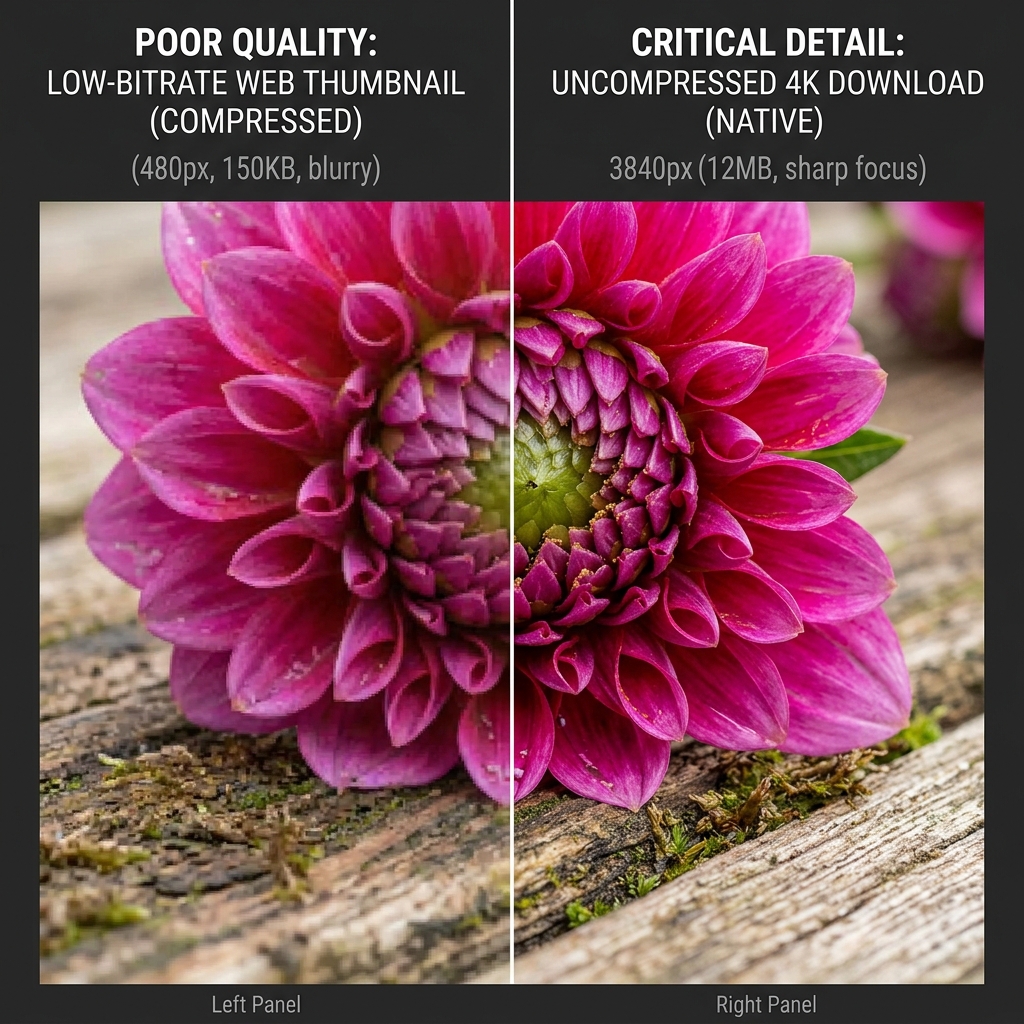
On high-resolution client displays (like Apple Pro Display XDR or 4K boardroom projectors), standard 564px web thumbnails look pixelated. When saving pins for pitch decks, always download the largest size available.
PintDownload saves the largest size Pinterest publishes: photos up to 1200px wide, video usually 720p, 1080p when the pin has it. That is far sharper than a feed thumbnail, but it is not 4K, so here is what Pinterest quality really is. For a hero image on a 4K screen, ask the creator for the source file or license it.
Step 2: Incorporate Motion Assets (Video Pins & GIFs)
Static mood boards are table stakes; dynamic motion boards win competitive pitches. Downloading high-resolution MP4 video pins with our Pinterest Video MP4 Converter or animated visuals via our Pinterest GIF Downloader allows you to embed autoplaying video loops directly into Figma or Keynote slides.
Step 3: Organizing Board Downloads into Client Deliverables
To convert an entire Pinterest moodboard into a client leave-behind PDF or pitch deck:
- Copy the public board URL into PintDownload Board Downloader to fetch all images, GIFs, and videos as a single ZIP.
- Unzip the files and import images into your preferred layout tool (InDesign, Canva, or Keynote).
- Export a branded offline PDF pitch deck and iPad portfolio for flawless, zero-latency client walkthroughs.
More in Boards & Profiles
Keep reading
-
 Boards & Profiles 8 min readHow to Download an Entire Pinterest Board as ZIP in 2026 (Free & Fast)PintDownload Team
 -
 Boards & Profiles 12 min readHow to Download Full Pinterest Profiles: Export All Boards & Pins into ZIP Archives (2026)PintDownload Team
 - Boards & Profiles 6 min readHow to Download Pinterest Profile Pins as a ZIPPintDownload Team
- Boards & Profiles 6 min readHow to Download an Entire Pinterest Board as a ZIPPintDownload Team