Study Smarter: Using Pinterest Videos for Deep Focus
Build a distraction-free visual syllabus with downloaded Pinterest study videos — airplane mode sessions, unit folders, and board packs.
 PintDownload Team
 Workflow 6 min read 506 words
In this article
Pinterest is stimulating — sometimes too stimulating. For study blocks, download first, then go offline so recommendations cannot hijack attention. This article shows how to turn public educational pins into a focused visual syllabus.
Why offline beats live feed study
- No related-pin rabbit holes
- Repeatable loops for hard steps
- Works in libraries, planes, and weak-signal dorms
- Forces curation before the session (a feature, not a bug)
Build a visual syllabus
- Pick one unit only (e.g. organic chemistry mechanisms, Spanish irregular verbs, CSS flexbox).
- Collect pins into a board or a running list of pin URLs.
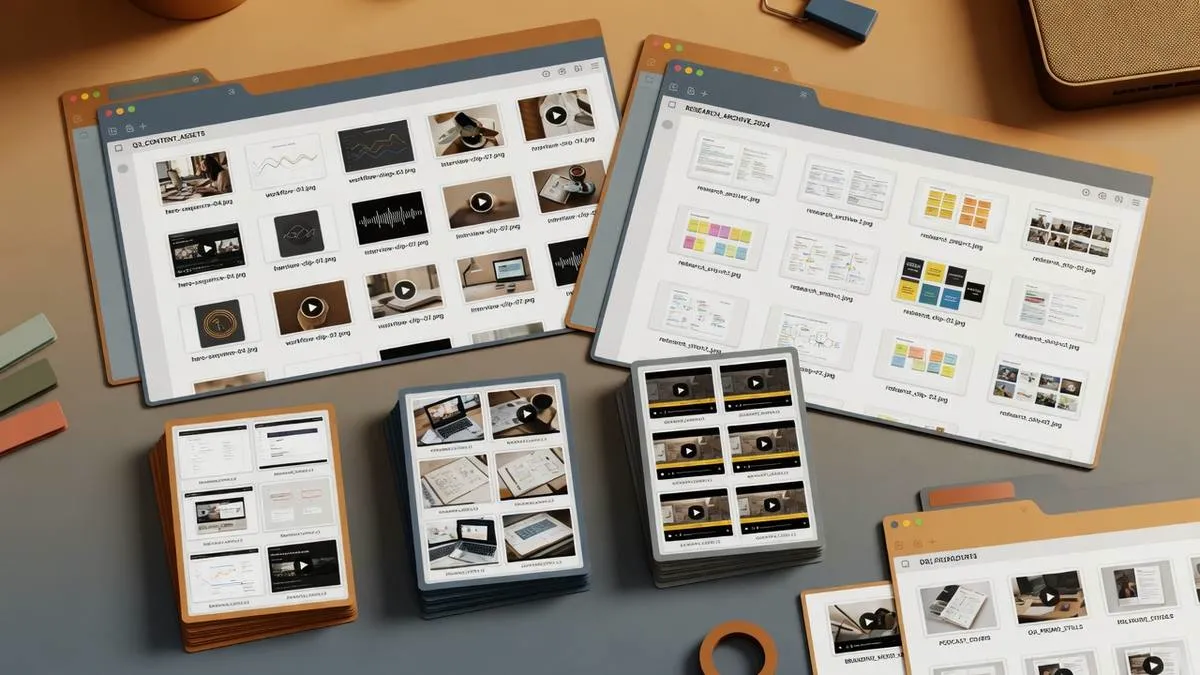
- Save with Pinterest Video Downloader / Pinterest Pin Downloader into a folder named by exam unit.
- Bulk topic boards via Pinterest Board Downloader when a public board already matches your unit.
- Watch on airplane mode; loop hard steps; take notes in a separate doc.
Session template (45 minutes)
- 5 min — skim filenames and pick three clips
- 30 min — active watching + notes
- 10 min — free recall without video
Library backbone
Use the layered system in reference library. Naming help: organization tips.
Avoid pseudolearning
Passive binge-watching feels productive. Pause and reproduce diagrams from memory. Teach the clip back in one minute out loud. If you cannot, loop again.
Subject-specific ideas
- Languages — short pronunciation clips, labeled stills for vocabulary
- STEM — mechanism animations, diagram walkthroughs
- Design — layout breakdowns, before/after carousels
- Trade skills — tool demos you can loop at the bench
Spaced repetition with files
Revisit the same three hard clips across multiple days rather than downloading fifty new ones. Your library should shrink toward mastery, not grow toward hoarding.
Combine with notes
Each unit folder gets a notes.md or paper notebook pointer. Video without retrieval practice is entertainment.
Exam-week protocol
Three days out: freeze the syllabus — no new downloads. Two days out: loop the hardest five clips and write one page of free recall. Day before: teach each clip to a rubber duck or roommate in sixty seconds. Day of: do not open Pinterest at all; trust the offline folder.
Avoiding aesthetic procrastination
Beautiful study setups are not the same as studying. If you catch yourself downloading “study with me” vibes instead of unit content, close the session. Your library is for targeted media, not ambient distraction that happens to look academic.
Group classes
Share a shortlist of public pin URLs with classmates rather than redistributing copyrighted ZIP packs. Let each person download what they need. That keeps access legitimate and reduces malware-style “notes packs” floating around group chats.
Try it on PintDownload
Paste a public Pinterest link and download free — no account required.
Frequently asked questions
Can I use this for group study?
Yes — share public links or your notes, not pirated bundles of others’ paid courses.
What if the best pin is private?
Skip it. Only public media is in scope.
Related tools: Pinterest Pin Downloader · Pinterest Video Downloader · Pinterest Board Downloader · Pinterest Profile Downloader
More in Workflow
Keep reading
-
 Workflow 15 min readThe Pinterest Shadowban & Account Takedown Survival Manual: How to Backup & Protect Your Content LegacyPintDownload Team
 -
 Workflow 10 min readPinterest Video Pins Strategy: How to Create High-Converting Vertical ClipsPintDownload Team
 -
 Workflow 13 min readPinterest for Bloggers: How to Drive 100,000+ Monthly Visitors to Your BlogPintDownload Team
 - Workflow 6 min readTips & Tricks to Keep Downloaded Pinterest Videos OrganizedPintDownload Team